
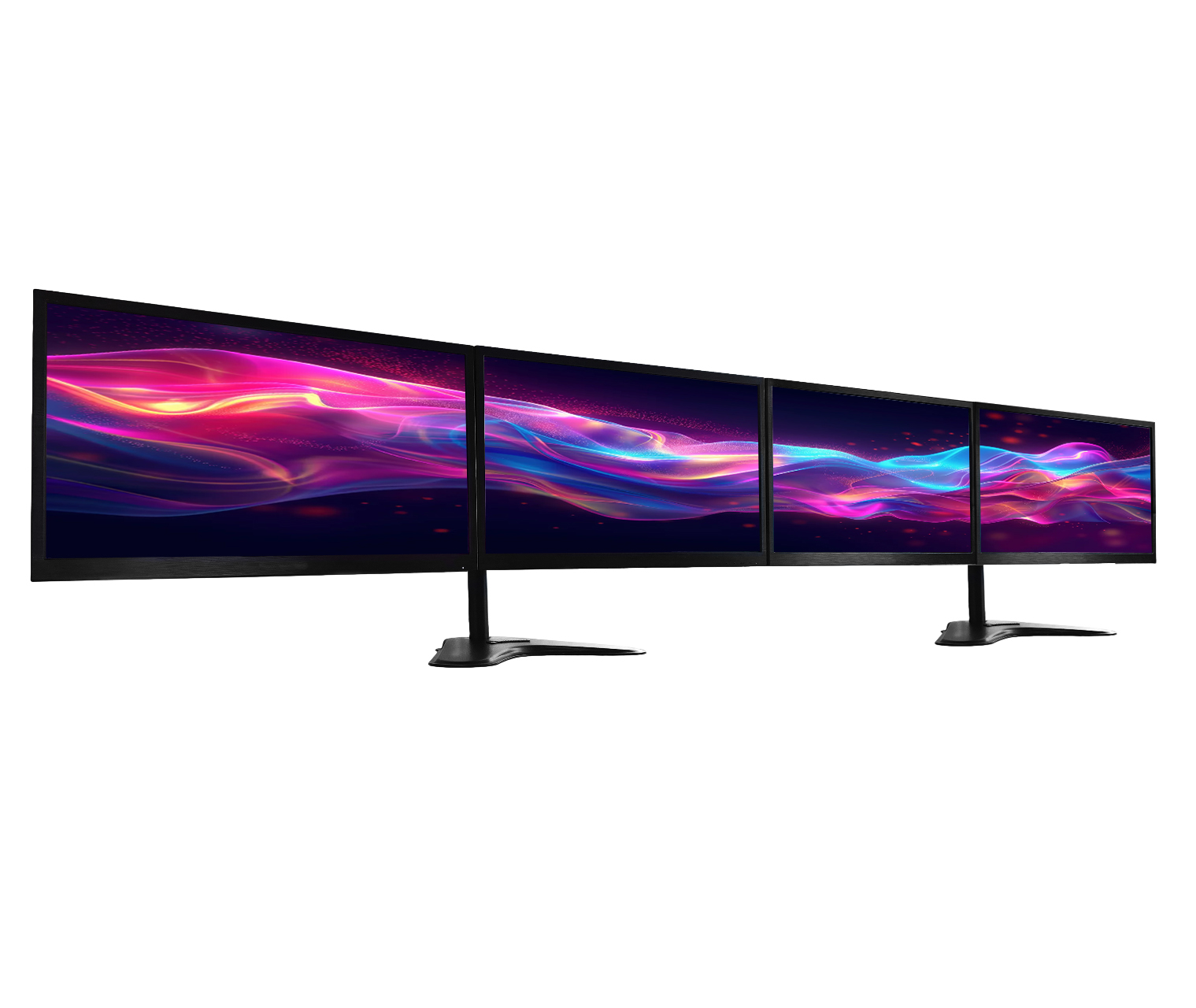
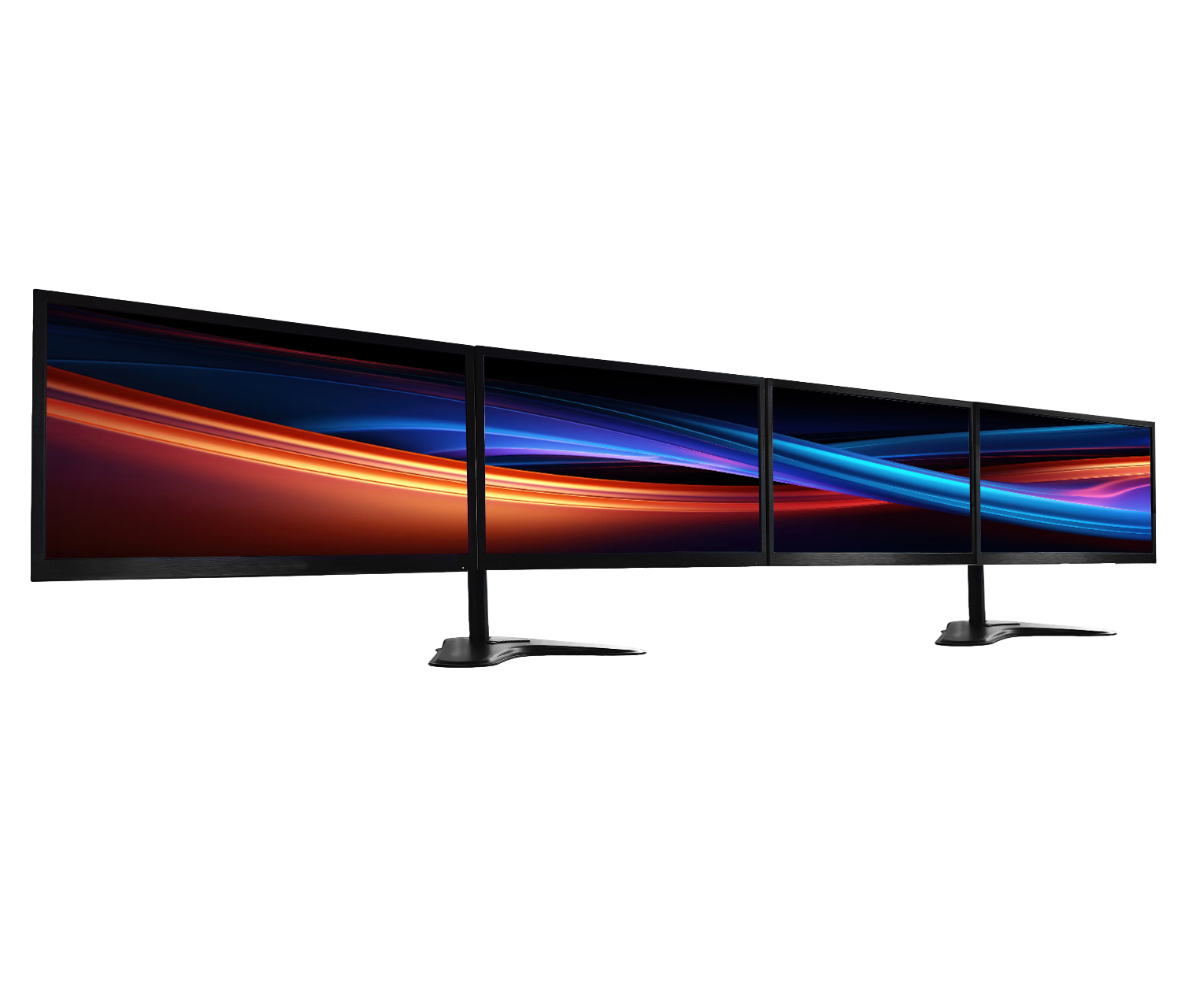


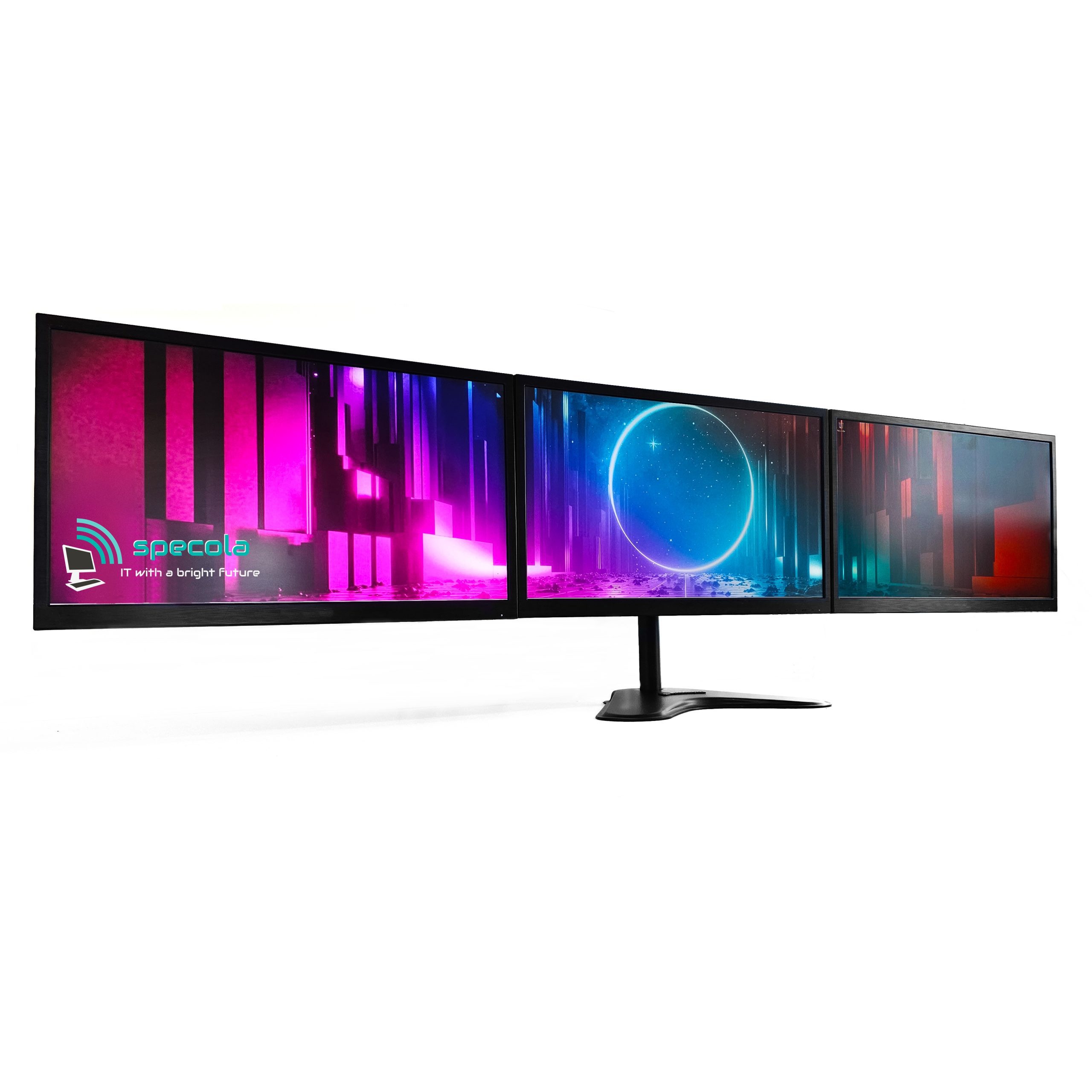
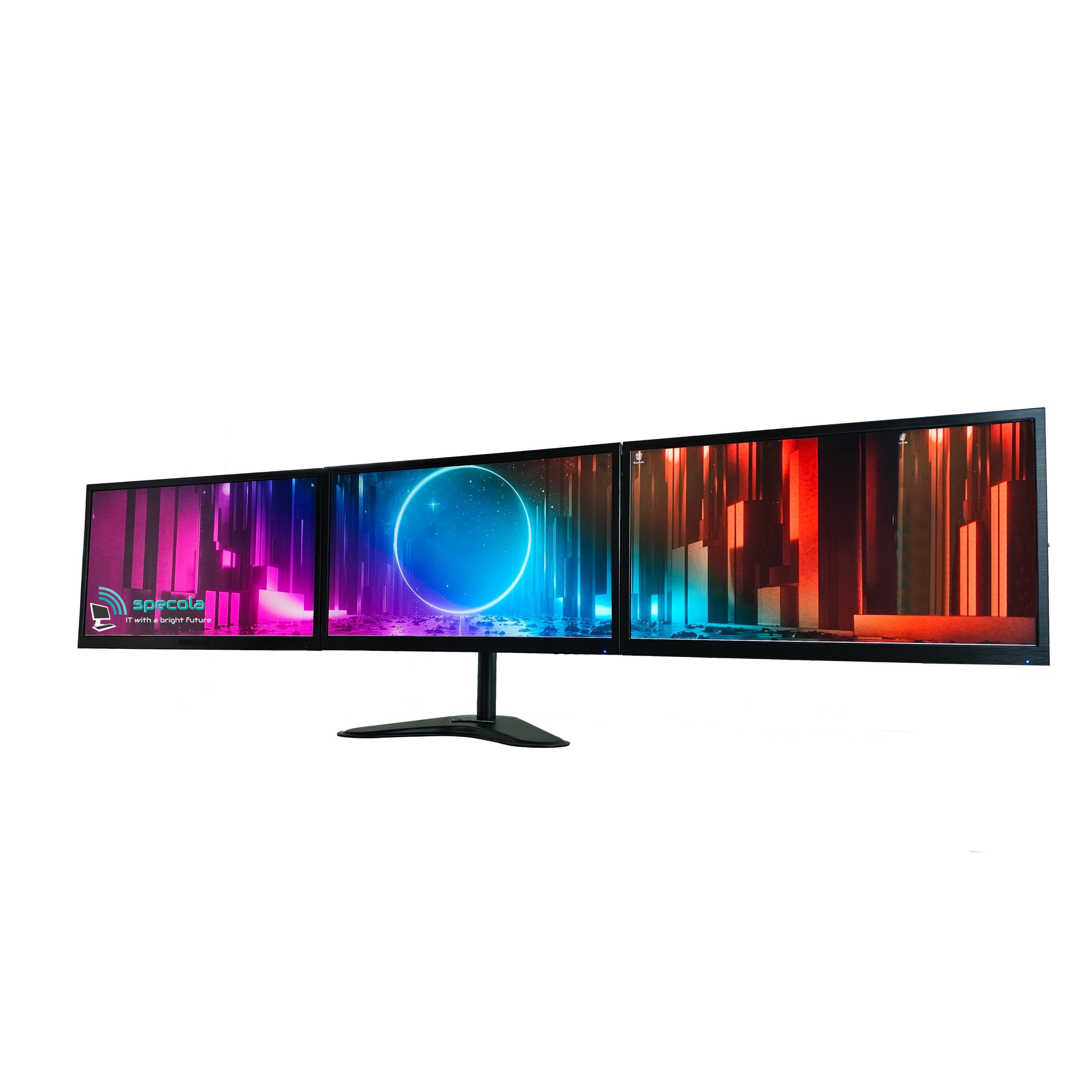
Quad Widescreen Computer Monitors – Horizon Stand
Standard Features:
– 2 x Dual Monitor Stands
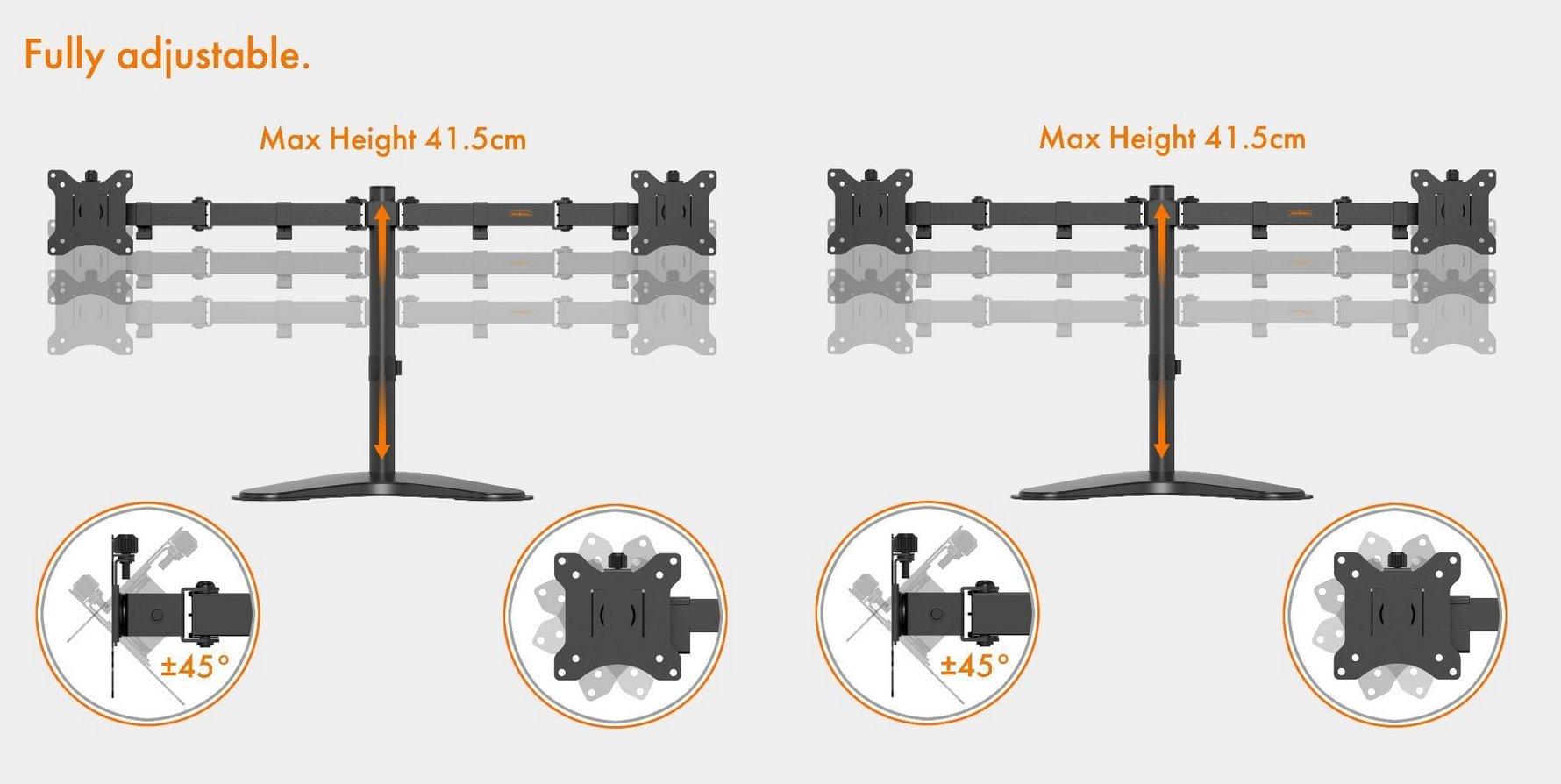
– ±45° tilt, ±180° swivel and ±180°
– Monitor Choice 20″ to 27″
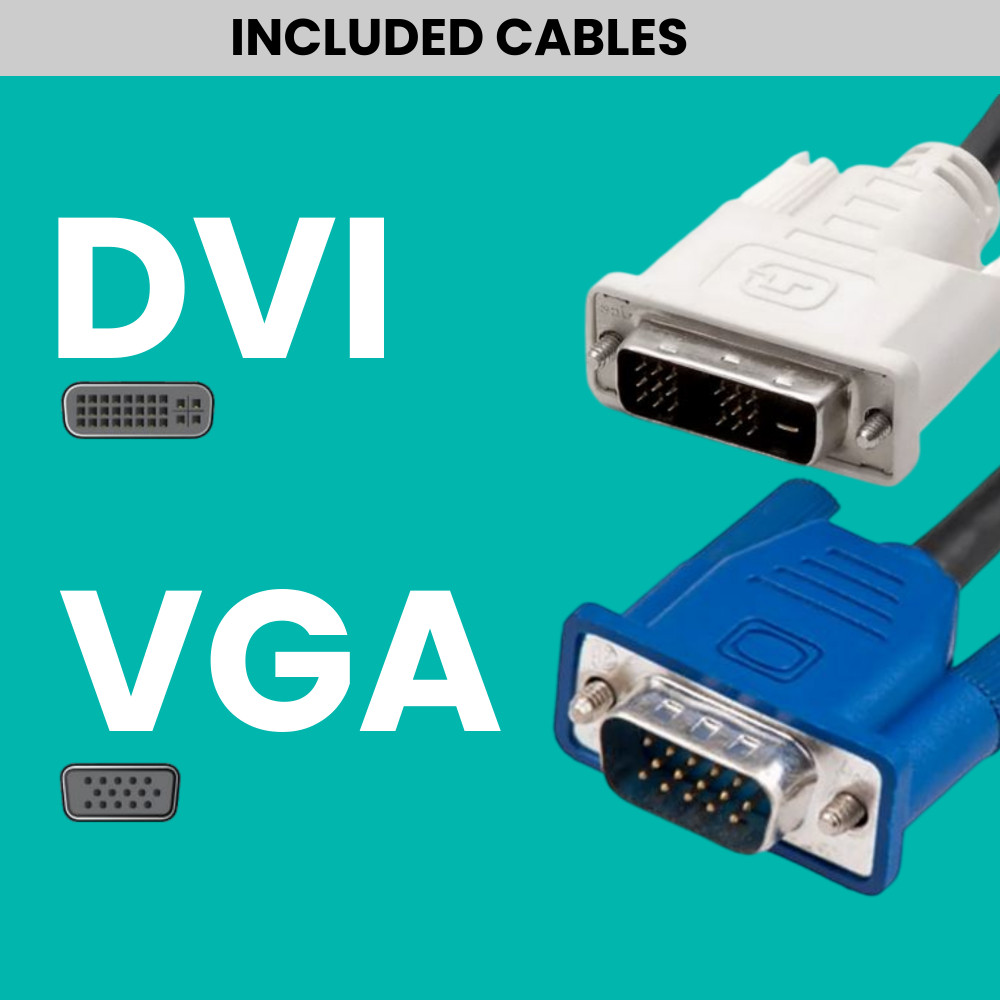
– Free Cables/Adapters
Service Features:
– 1 Year Warranty
– 1 Year Tech Support
– Free UK Delivery
– Tested & Delivered – 1 Working Day
In stock
Now only
SKU: 15460
£
excl VAT
£
incl VAT
- Customise
- Description
- Technical Specs
By using the configurator below, you can customize this product in detail, selecting the features and specifications that matter most to you,
to ensure the end result meets your exact requirements.
×
Modal Header
Some text in the Modal Body
Some other text...
Description
QUAD MONITOR STAND (2×2)
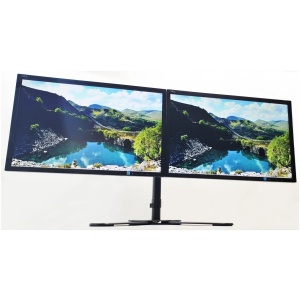
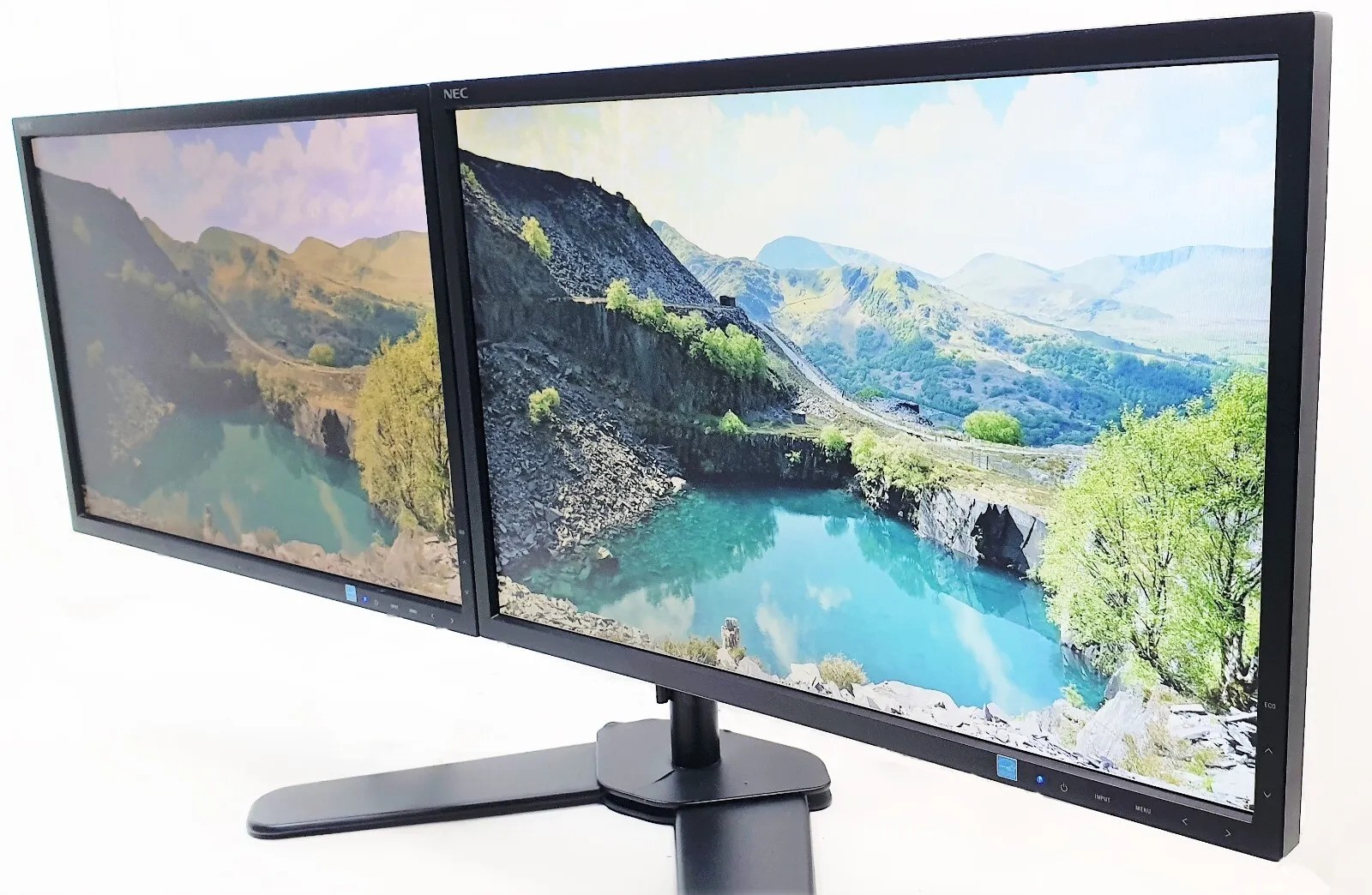
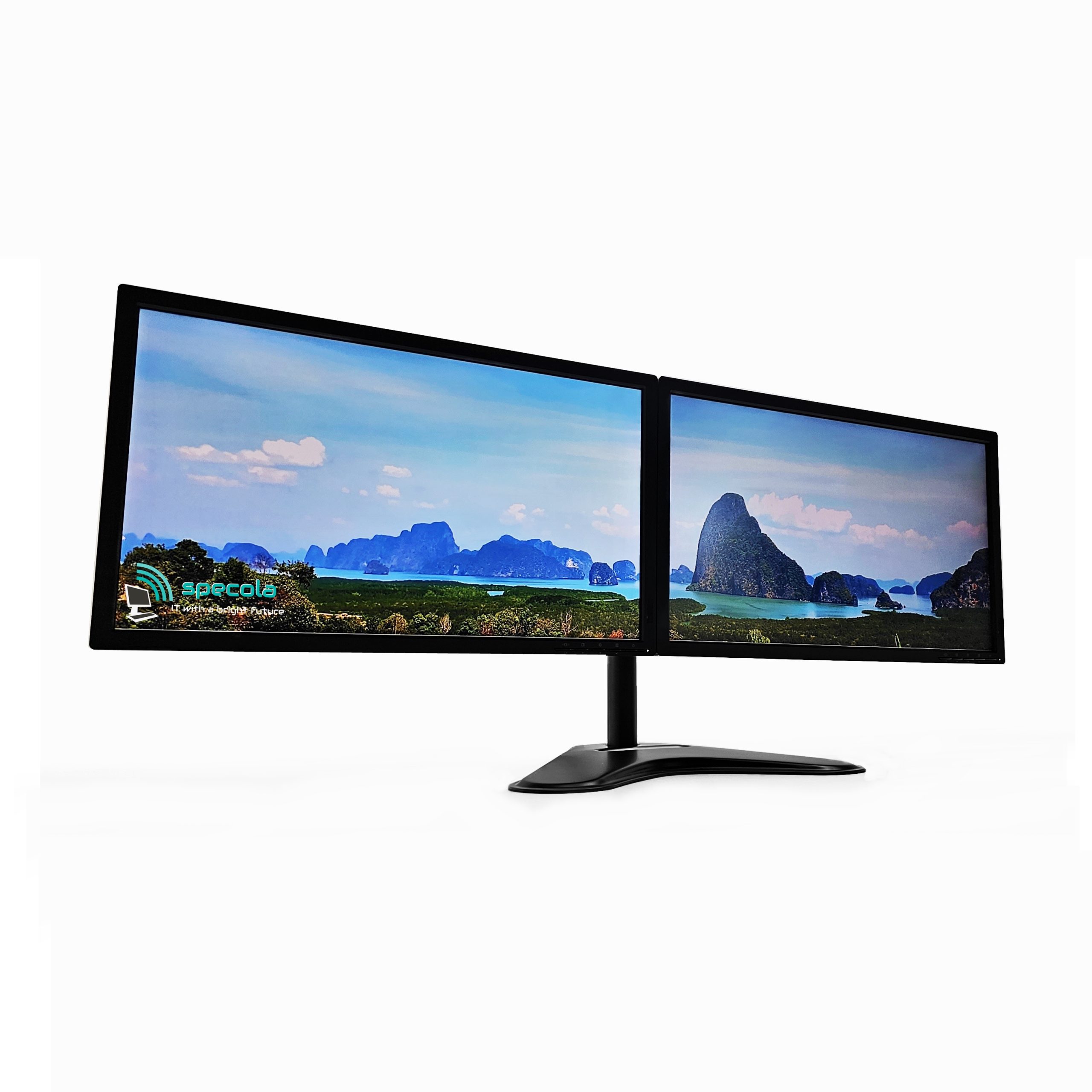
Save valuable desk space and improve overall viewing with 2 dual monitor stands. Giving you 4 monitors in total via 2 stands.
Constructed from high grade steel and aluminium, this dual mount allows you to view two screens simultaneously and comfortably, and is great for reducing eye and neck strain.
Each arm is equipped with ±90° tilt and 360° swivel functionality, so you can quickly and easily adjust screens to meet your viewing needs, or share content with friends, family or colleagues.
Simple to set up – just attach your monitors to the mounts using the fixtures included. Monitor can be installed portrait or landscape.
Integrated cable management system keeps wires hidden and your desktop looking tidy. Includes full instructions.
MONITOR SIZES
When choosing a monitor, size matters for both productivity and gaming. A 22-inch monitor is compact, making it ideal for small desks or multi-monitor setups, and works well for everyday tasks like browsing, office work, and casual gaming. A 24-inch monitor offers a noticeable step up, giving you more screen space for spreadsheets, documents, and immersive gaming without taking up much more desk space. As you move to 27-inch or 32-inch monitors, the experience becomes more cinematic and immersive, great for gaming or creative work, but they can dominate smaller desks. For most users, 22-inch is perfect for space-saving setups, while 24-inch hits the sweet spot for everyday work and gaming, balancing comfort, visibility, and desk space.

Multiple Monitor FAQ
What Happens if My Monitor Develops a Fault?
All eligible refurbished monitors supplied by Specola come with a 12-month limited hardware warranty, covering qualifying hardware faults.
Every monitor is professionally inspected and tested before dispatch. However, if your monitor develops a fault, our customer support team is here to help.
How Do I Report a Fault?
Please submit a support ticket with your order number, a description of the problem and, where possible, photographs or a short video demonstrating the fault.
Our technical support team may ask you to carry out some basic troubleshooting to help identify the issue before arranging a return.
What Happens Next?
If the issue cannot be resolved remotely, we may request that the monitor be returned for inspection, repair or replacement, depending on the circumstances.
Returns & DPD Drop-Off
Where we arrange return postage, we normally provide a prepaid DPD Drop-Off label, allowing you to take your securely packaged monitor to a participating DPD drop-off location.
We do not normally arrange courier collections from customers’ addresses.
For faults reported within the first 30 days of delivery, we will cover reasonable return shipping costs where required under our returns policy and applicable consumer law.
After 30 days, return postage arrangements and costs will depend on the circumstances of the warranty claim and your statutory consumer rights.
Inspection & Resolution
Once the monitor has been received and inspected, we will advise you of the appropriate resolution, which may include repair, replacement or refund where applicable.
For full details, please see our Warranty Information and Refund & Return Policy.
You can also contact our support team on 01925 652 584.
What Condition Will the Monitor Be In?
All our refurbished monitors are supplied in Grade A (Very Good) condition. Each monitor is professionally inspected, cleaned and tested before dispatch to ensure it is in proper working condition.
Screen Condition
Display panels are checked for functionality and overall visual condition. As with both new and refurbished LCD monitors, a small number of pixel or subpixel imperfections may be present within recognised manufacturer tolerances.
Pixel policies vary between manufacturers and models, and minor pixel imperfections do not necessarily affect normal operation. Any reported display defect will be assessed individually in accordance with the product description, applicable warranty terms and statutory consumer rights.
Casing Condition
As these are refurbished monitors, the casing and bezels may show minor signs of previous use, including light scratches, marks or scuffs. These cosmetic imperfections do not affect the monitor’s functionality.
Stands & Cables
The type of stand supplied depends on the product purchased. Single monitors may include their original manufacturer stands, while multi-monitor packages generally include brand-new stands with assembly instructions.
Monitor packages include power cables and the video cables specified in the listing or selected at checkout.
Quality Assurance
All monitors are tested before dispatch. Product images may be representative, and the brand, model and cosmetic appearance may vary where stated in the listing.
For further details, please see our Warranty Information.
Does It Arrive Plug and Play?
Our multi-monitor packages are designed to be straightforward to assemble, with only some basic setup required before use.
If you’ve ordered a dual, triple or quad-monitor setup, you’ll need to attach the monitors to the supplied stand and, depending on the stand type, either position it on your desk or secure it using a desk clamp.
Monitor Stands & Assembly
Our monitor stands are generally brand new and supplied with assembly instructions to help you install them correctly.
Connecting Your Monitors
The video cables included with your order depend on the connection options selected at checkout.
Computers and laptops vary in their available video connections and support for external displays. Please ensure your device supports the number of monitors you intend to connect.
Some setups may require additional adapters or a compatible docking station.
Important: Docking Station Compatibility
If you are using a docking station, please ensure it supports Extended Display Mode, allowing each connected monitor to display different content independently.
Some docking stations, adapters and HDMI splitters only support Mirror/Duplicate Mode, meaning the same image is displayed on multiple screens rather than extending your desktop.
Please check that your docking station and computer support the required number of independent external displays before purchasing. Having multiple HDMI or DisplayPort connections does not automatically mean that all connected monitors can operate independently.
Need Assistance?
If you’re unsure about compatibility or which connections you need, we’re happy to help.
For the quickest assistance, simply contact us on WhatsApp: 07515 524 448 and send us your computer or laptop model, the model of your docking station (if applicable), and clear photographs of the available video ports.
Alternatively, you can contact our team or call 01925 652 584.
We’ll help you identify suitable connection options for your setup.
Can I Split My Desktop Across Multiple Monitors?
Absolutely! Using multiple monitors allows you to extend your desktop across two, three or more screens, giving you additional workspace for multitasking, productivity and everyday computing.
With a compatible Windows PC or laptop, you can configure each monitor as an independent display, allowing you to move applications and windows freely between screens.
What Do I Need?
Your computer must support the number of monitors you wish to connect and have suitable video outputs, such as HDMI, DisplayPort, DVI or VGA.
Depending on your system, you may require additional adapters, a compatible docking station or a USB display adapter to connect multiple screens.
Please note that a standard HDMI splitter duplicates the same image rather than extending your desktop.
How Do I Set Up Multiple Displays?
Once your monitors are connected, open Windows Settings → System → Display, select Extend these displays, and arrange the screens to match their physical positions.
Need Help Choosing the Right Setup?
If you’re unsure whether your computer or laptop supports multiple monitors, please contact our team or call 01925 652584.
We’ll be happy to help you identify the correct connections and equipment for your setup.
What Cables Do I Need?
The cables you need will depend on the video outputs available on your computer or laptop and the number of monitors you wish to connect.
Our multi-monitor packages include standard video cables according to the connection options selected when placing your order, along with the necessary monitor power cables.
Common video connections include HDMI, DisplayPort, DVI and VGA.
Connecting Multiple Monitors
To use each monitor as an independent display (extended desktop), your computer must support the required number of external displays.
If you’re using a laptop, you may need an additional docking station or USB display adapter, depending on your laptop’s available ports and video capabilities. Please note that not all USB-C ports support video output.
A standard HDMI splitter will only duplicate the same image and cannot create independent extended displays.
Not Sure Which Cables You Need?
We recommend checking your computer’s available video ports before placing your order.
If you’re unsure, simply contact our team with your computer or laptop model and, preferably, photographs of its available connections.
We’ll be happy to advise which cables, adapters or docking station you may need before purchasing.
Delivery & Ordering FAQ
How Long Does Delivery Take?
At Specola, we aim to prepare and deliver your order as quickly as possible. Delivery times depend on the type of product ordered and the delivery destination.
Refurbished Monitors
Our refurbished monitors are normally delivered within 2 working days. Each monitor is carefully tested and securely packaged before dispatch.
Refurbished Computers
Our refurbished computers are normally delivered within 3 working days, allowing time for configuration, testing and secure packaging.
Custom-Built Computers
Our custom-built PCs are assembled, configured and tested to order. Preparation typically takes approximately 3 working days, depending on component availability and the selected specifications.
Once completed, custom-built computers are normally dispatched using FedEx Next Working Day delivery to eligible UK mainland addresses.
Estimated Delivery Dates
An estimated delivery date is displayed during the purchasing process. Delivery estimates are not guaranteed unless an expressly guaranteed service has been agreed.
Remote Locations & Northern Ireland
Deliveries to remote locations, including the Scottish Highlands and Islands, may require an additional 48 hours.
Delivery to Northern Ireland is subject to confirmation. Please contact us before ordering to check delivery availability and any applicable requirements.
Tracking Information
All orders are securely packaged and dispatched using trusted delivery services, including Royal Mail Tracked and FedEx.
Tracking information is provided once your order has been dispatched.
For further information, please see our Delivery Information or Contact Us.
How Much Does Delivery Cost?
We offer FREE standard delivery to UK mainland addresses on eligible orders.
Orders are dispatched using trusted delivery services, including Royal Mail Tracked and FedEx, depending on the size, weight and destination of the parcel.
Remote Areas & Northern Ireland
Delivery to certain remote locations, including the Scottish Highlands, Islands and Northern Ireland, may be subject to additional charges, restrictions or delivery requirements.
Please allow an additional 48 hours for delivery to remote locations, as these areas may require longer transit times due to courier routes and local delivery arrangements.
Please contact us before ordering if you require delivery to one of these locations so we can confirm availability and any applicable charges.
International Delivery
We do not currently offer standard international delivery through our website.
Tracked Shipping
Orders are securely packaged, and tracking information is provided once your parcel has been dispatched.
For more information, please see our Delivery Information or Contact Us.
How Can I Pay for My Order?
At Specola, we offer a range of secure and flexible payment options to make your shopping experience as convenient as possible.
- Credit & Debit Cards: We accept major credit and debit cards, including Visa and Mastercard, securely processed through Opayo.
- PayPal: Pay securely using your PayPal account.
- Google Pay: Available through our PayPal checkout integration on supported devices and browsers.
- PayPal Pay Later: Eligible customers can spread the cost of their purchases, subject to PayPal’s approval and terms.
- Klarna: Flexible payment options, including Pay Later and instalments, subject to eligibility and approval.
- Bank Transfer: Direct bank transfers are accepted. Orders are processed once payment has been received and confirmed.
All available payment options are displayed during checkout, and eligibility for certain payment methods may vary.
For further information, please see our Terms & Conditions or Contact Us.
Do you offer a Money Back Guarantee?
Yes! At Specola, we want you to shop with confidence.
We offer a 30-day returns policy for eligible purchases, subject to the conditions outlined in our Refund & Return Policy.
If you change your mind or your purchase isn’t suitable, you can contact our customer support team to request a return. Return shipping costs may apply depending on the reason for the return and your statutory rights.
If your product arrives faulty or develops a fault, we will assist you in accordance with our warranty terms and applicable UK consumer law.
For full details, please see:
If you need assistance, please contact our team.
How Is My Order Packaged & Delivered?
At Specola, we take great care to ensure your order is securely packaged and protected during transit.
All computers, monitors and accessories are carefully packed using suitable protective materials to minimise the risk of damage during delivery. Where practical, we reuse and recycle packaging materials to help reduce unnecessary waste.
Orders are dispatched using trusted delivery services, including FedEx and Royal Mail, depending on the size, weight and destination of your parcel.
Tracking information is provided once your order has been dispatched, allowing you to follow its delivery progress.
Delivery times and available shipping options depend on the products ordered and the delivery location.
For further details, please see our Delivery Information.
If your parcel arrives visibly damaged, please contact our team as soon as possible so we can assist you.
Need Advice?
Call Us
Call: 01925 652 584
(Monday to Friday 10AM/4PM)
E-Mail: Contact Form
(Monday to Friday 8AM/4PM)
Live Chat
Live Chat
(Monday to Friday 8AM/4PM)
Related Products
Dual Monitors, Refurbished Monitors
£69.00 excl VAT
£82.80 incl VAT
2x22″ Dual Screen Monitor Bundle - (1680 x 1050) - 2xDisplayPorts
£69.00 excl VAT
£82.80 incl VAT
Dual Monitors, Refurbished Monitors
£58.00 excl VAT
£69.60 incl VAT
2x22″Dual Screen HD Monitor Bundle - (1920 x 1080) - DVI/VGA
£58.00 excl VAT
£69.60 incl VAT
Refurbished Monitors, Triple Monitors
£83.32 excl VAT
£99.98 incl VAT
3x22″ Triple Screen Monitor Bundle - (1680 x 1050) - 2xDP/1xHDMI
£83.32 excl VAT
£99.98 incl VAT
Dual Monitors, Refurbished Monitors
£69.00 excl VAT
£82.80 incl VAT
2x22″ Dual Screen HD Monitor Bundle - (1920 x 1080) - 1xDVI/1xVGA
£69.00 excl VAT
£82.80 incl VAT
Dual Monitors, Refurbished Monitors
£69.00 excl VAT
£82.80 incl VAT
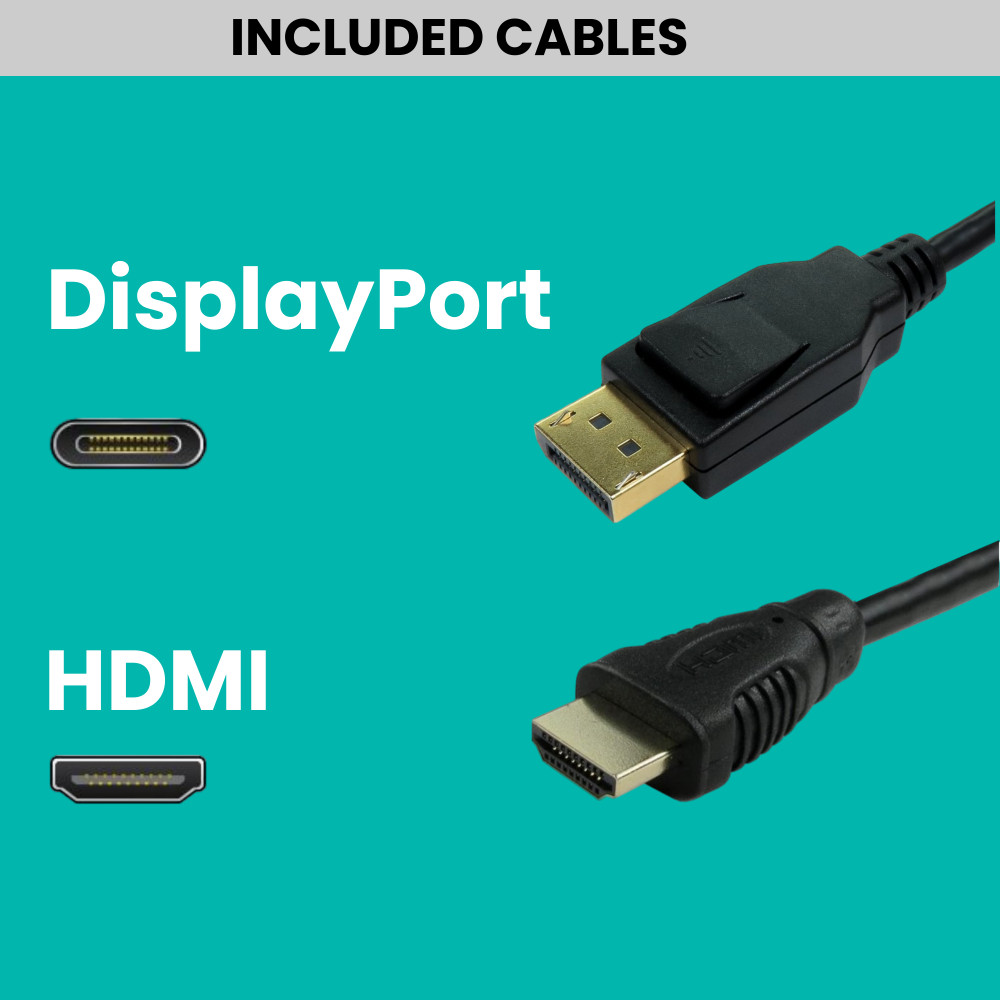
2x22″ Dual Screen HD Monitor Bundle - (1920 x 1080) - 1xDP/1xHDMI
£69.00 excl VAT
£82.80 incl VAT
Dual Monitors, Refurbished Monitors
£69.00 excl VAT
£82.80 incl VAT
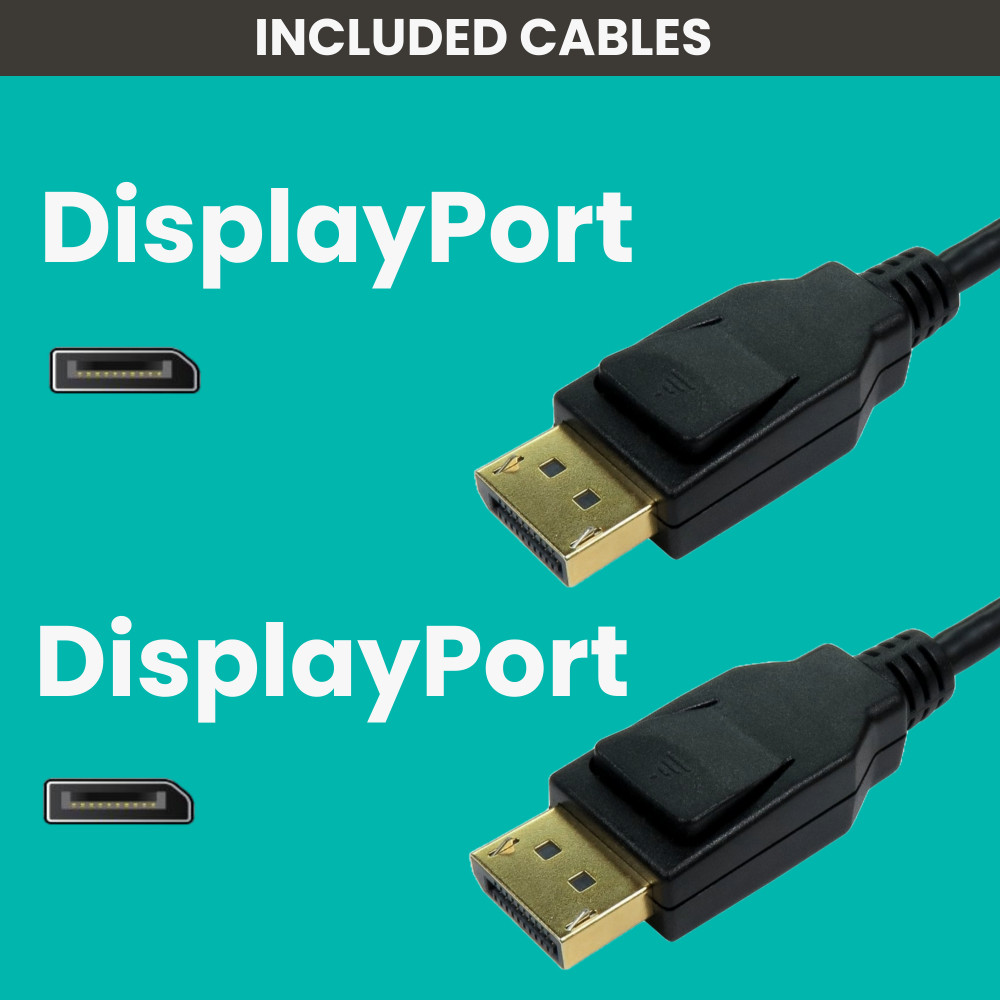
2x22″ Dual Screen HD Monitor Bundle - (1920 x 1080) - 2xDisplayPort
£69.00 excl VAT
£82.80 incl VAT
Refurbished Monitors, Triple Monitors
£119.04 excl VAT
£142.85 incl VAT
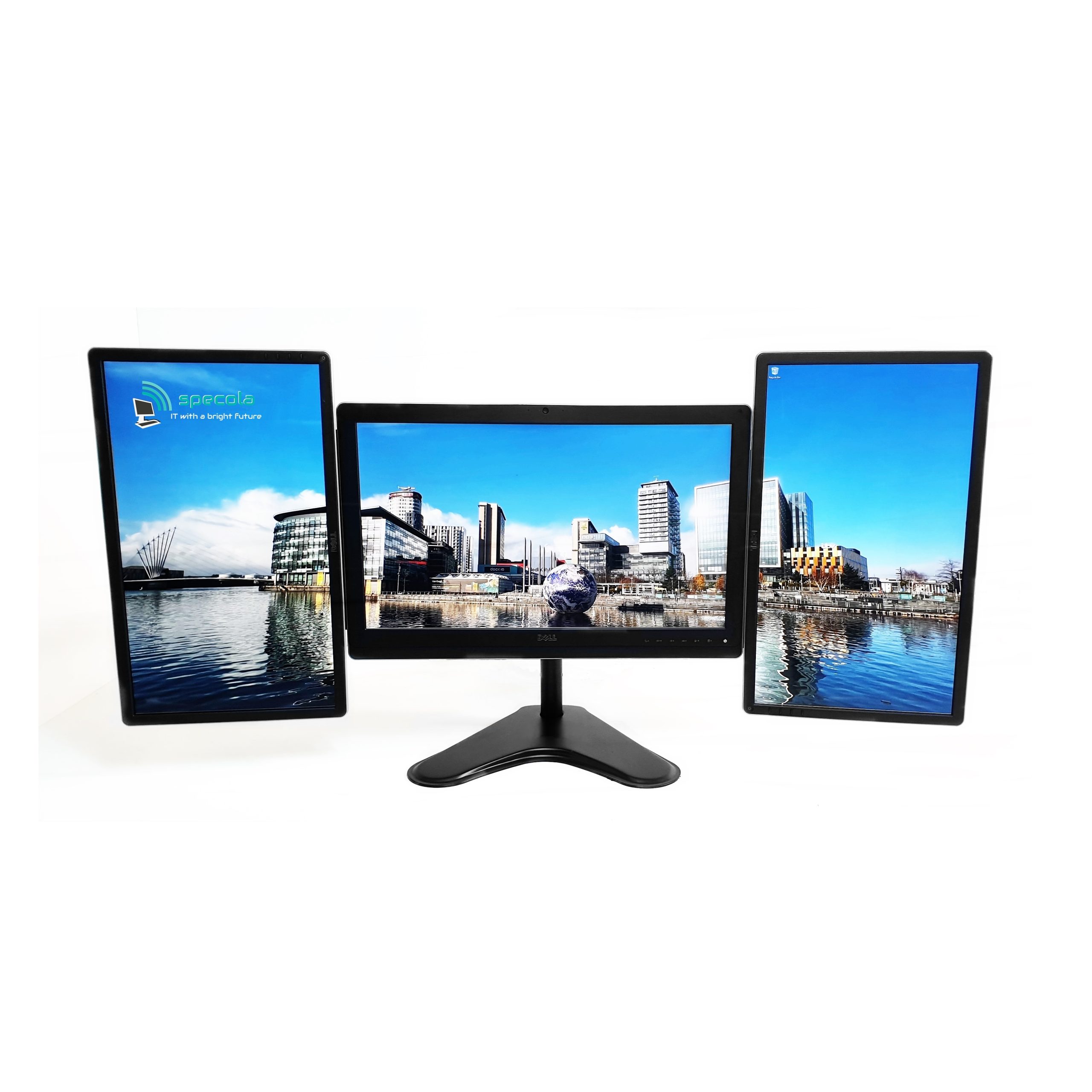
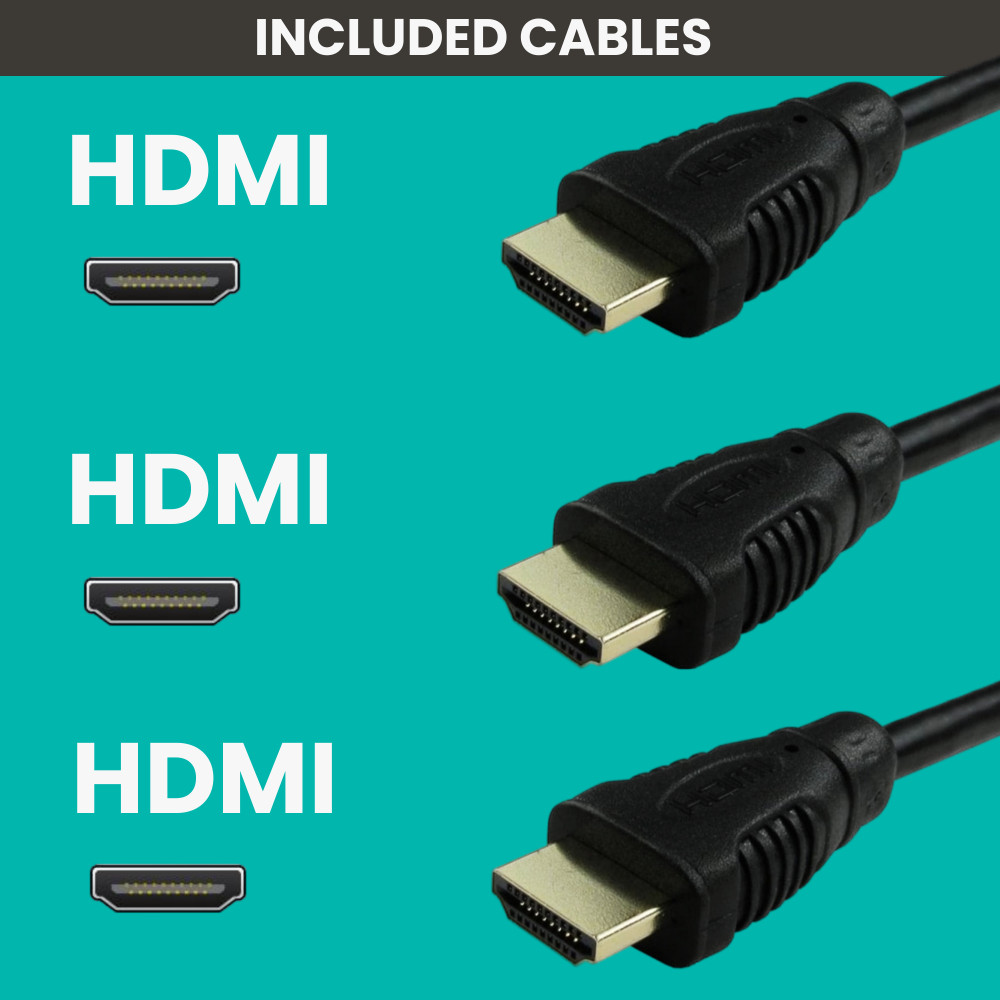
Triple Screen 1x23" & 2x22″ Monitors - (1920 x 1080) - 3xHDMI
£119.04 excl VAT
£142.85 incl VAT
SYSTEM SUMMARY ex. VAT inc. VAT